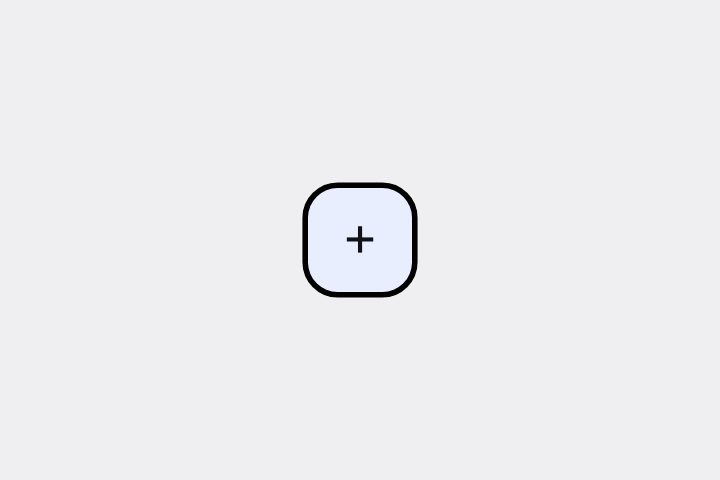
画面右下に「+」の Floating Action Button(FAB)を置いて。Material 3 の角丸四角スタイルで。
# Floating Action Button / フローティングアクションボタン(FAB)

- id: `fab`  URL: https://uizukan.dev/entry/fab/
- 種別: 表示 / Buttons
- 別名: FAB, Floating Button, 浮いている丸ボタン
- 呼び名: Material 3=Floating action button(FAB) / Material 2=Floating action button(Regular / Mini) / Android (Compose)=FloatingActionButton / SmallFloatingActionButton / LargeFloatingActionButton / iOS (HIG)=該当なし(iOS 標準には無い。Toolbar の主ボタンで代替) / SwiftUI=該当なし(ZStack + Button で自作) / Web=該当なし(Material 系ライブラリの FAB) / Flutter=FloatingActionButton
- Flutter: `FloatingActionButton`
- 関連: extended_fab, icon_button, scroll_to_hide_bar

**説明**: 画面のスクロール内容の上に固定で浮かぶボタン。「新規作成」「投稿」など、その画面の代表的な操作を1つだけ載せる。Material 3 では角丸四角(16dp)が標準。

**使いどころ**: リスト画面での「追加」、メール画面での「作成」など、どの位置でも押せる必要がある主要操作。

**AI への伝え方(日本語)**: 画面右下に「+」の Floating Action Button(FAB)を置いて。Material 3 の角丸四角スタイルで。

**Prompt (English)**: Add a "+" Floating Action Button (FAB) at the bottom-right of the screen, Material 3 rounded-square style.
詳細プロンプト は Pro
開発者向け Pro(準備中)で、AI が MCP から直接取りに行けるようになります。名前・デモ・プロンプト・Markdown は無料のままです。
Pro の案内を見る
Flutter コード は Pro
開発者向け Pro(準備中)で、AI が MCP から直接取りに行けるようになります。名前・デモ・プロンプト・Markdown は無料のままです。
Pro の案内を見る