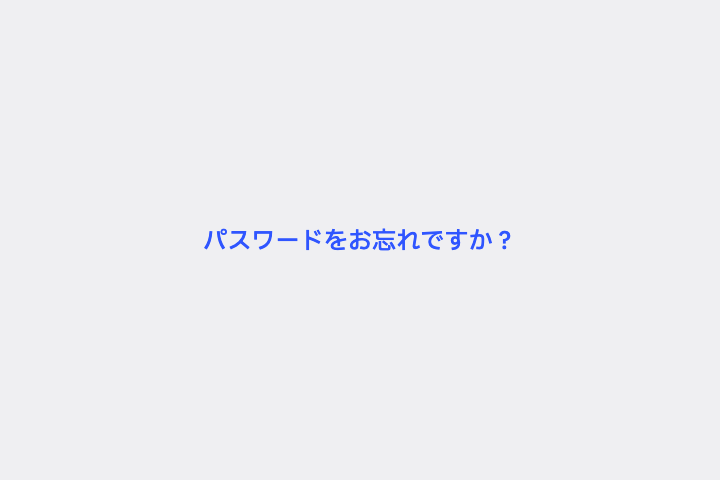
「パスワードをお忘れですか?」を Text Button(背景も枠もない文字だけのボタン)にして、フォームの右下に置いて。
# Text Button / テキストボタン

- id: `text_button`  URL: https://uizukan.dev/entry/text_button/
- 種別: 表示 / Buttons
- 別名: Flat Button, Link Button, Plain Button
- 呼び名: Material 3=Text button / Material 2=Text button / Android (Compose)=TextButton / iOS (HIG)=Button(UIKit の plain style) / SwiftUI=Button + .buttonStyle(.plain) / .borderless / Web=<button>(Tertiary / Link-style button) / Flutter=TextButton
- Flutter: `TextButton`
- 関連: outlined_button, alert_dialog

**説明**: 文字色(primary)だけで「押せる」ことを示す。ダイアログの「OK / キャンセル」や、カード内の補助リンクに使う。

**使いどころ**: ダイアログのアクション、「すべて見る」「パスワードをお忘れですか?」のような補助リンク。

**AI への伝え方(日本語)**: 「パスワードをお忘れですか?」を Text Button(背景も枠もない文字だけのボタン)にして、フォームの右下に置いて。

**Prompt (English)**: Make "Forgot password?" a Text Button (label only, no background or border), aligned to the bottom-right of the form.
詳細プロンプト は Pro
開発者向け Pro(準備中)で、AI が MCP から直接取りに行けるようになります。名前・デモ・プロンプト・Markdown は無料のままです。
Pro の案内を見る
Flutter コード は Pro
開発者向け Pro(準備中)で、AI が MCP から直接取りに行けるようになります。名前・デモ・プロンプト・Markdown は無料のままです。
Pro の案内を見る